Smart POS
Your Android Phone Is Your POS Machine.
Accept UPI QR, payment links, and card payments on any Android device. One app. Three payment modes. Real-time receipts. No hardware costs.
✓ Works on any Android phone | ✓ No hardware needed | ✓ Start in 5 minutes
₹0
Hardware Cost
3
Payment Collection Modes
<1 min
Receipt Delivery
Why Smart POS Is Different
Three capabilities that change how small merchants collect and track money.
A Full POS System on Any Android Phone
Any merchant with a smartphone can start accepting payments instantly. No physical POS terminal to purchase, no setup costs, no waiting for hardware delivery. The app works on any Android device already in the merchant's hand — enter the amount, generate a QR or send a payment link, and the money moves in real time.
"No hardware. No waiting. Just your phone."
Three Ways to Collect Payment, All in One App
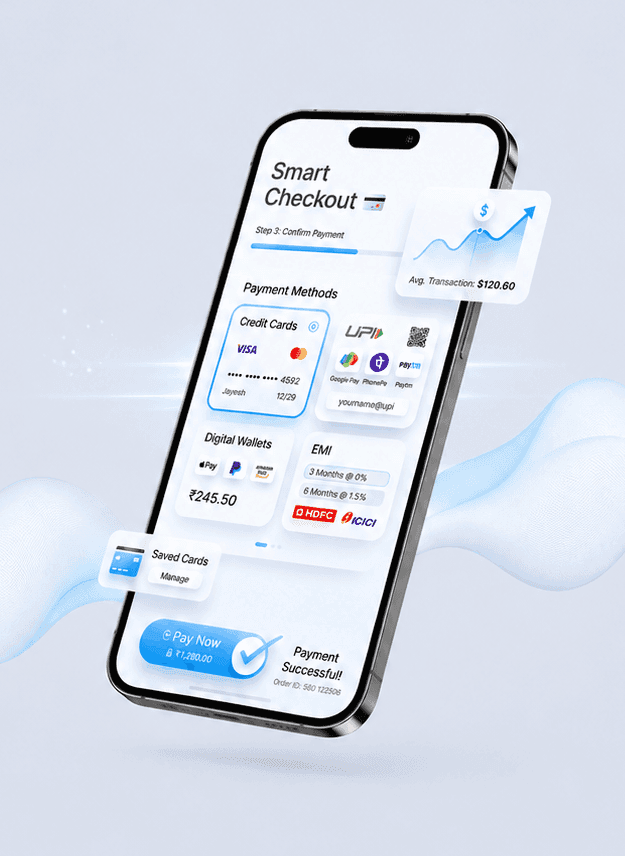
Merchants can generate a UPI QR for in-person scan-and-pay, send a payment link via WhatsApp, SMS, or email for remote collections, or use the branded web checkout that supports UPI, card, net banking, and wallet — all from the same app, on the same device, in the same transaction flow.
"QR for walk-ins. Link for phone calls. Checkout for online. All in one app."
Every Transaction Is Tracked, Receipted, and Shareable
Every payment — whether collected via QR or link — is logged automatically with full details: transaction ID, payment method, UTR reference, customer name, and amount. Receipts are generated instantly and shareable via WhatsApp, SMS, or email, or downloadable as a PDF. No manual record-keeping, no lost payment proofs.
"Send receipt in one tap. Keep records automatically. Never lose proof."
Built for How Small Merchants Actually Work
UPI QR + Payment Link + Web Checkout
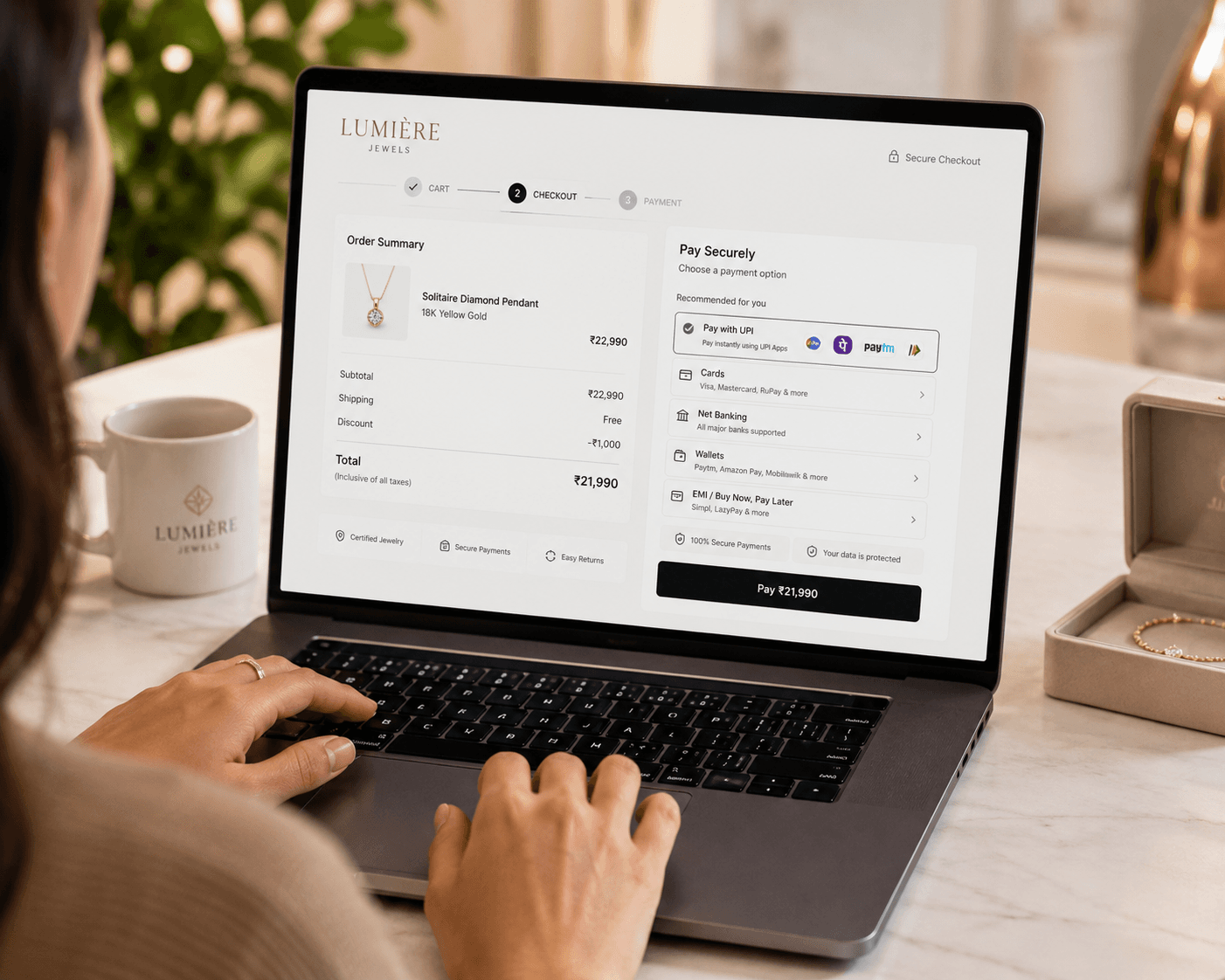
Merchant enters an amount and chooses how to collect: fullscreen QR for walk-in customers, payment link sent over WhatsApp/SMS/email for remote customers, or a branded web checkout page for card and net banking payments. All three modes in one app, real-time payment confirmation on all.

Instant Digital Receipts with Merchant Branding
Every completed transaction generates a receipt with merchant branding, transaction ID, payment mode reference (UTR for UPI, last 4 digits for card, bank name for netbanking), customer details, and total paid. Merchant shares it with one tap — WhatsApp, SMS, email, or PDF download.
Clean Transaction Log — Automatic Record-Keeping
Full history of every payment in reverse chronological order, with status, amount, payment method, and customer detail per transaction. Filterable and downloadable. No spreadsheet, no manual entry — the log builds itself.
3
Payment Collection Modes
₹0
Hardware Cost
<1 min
Receipt Delivery
Explore Our Other Products
From day-one startups to global conglomerates.


Smart POS Questions Answered
Find answers to the most commonly asked questons. Get in touch with one of our payment experts.
What Android phones does Smart POS work on?+
Smart POS works on any Android phone with Android 8.0 or higher and internet connectivity (4G/WiFi). You don't need a fancy phone — it runs smoothly on budget Android devices too.
Can multiple staff members use Smart POS at the same time?+
Yes. You can add multiple staff members to the same Smart POS account. Each staff member logs in with their own credentials. All transactions are logged under their name for accountability. All staff see the same transaction history.
How long does it take to set up Smart POS?+
5 minutes. Download the app, enter your business name, upload your logo (optional), and link your bank account. You can start collecting payments immediately. No documentation needed, no approval process.
What payment methods does Smart POS support?+
UPI (via QR or link), Cards (Visa, Mastercard, Amex), Net Banking, and Wallets (Google Pay, PhonePe, Paytm). All payments settle to your linked bank account.
Where do payments settle? Can I choose my bank?+
Payments settle directly to your bank account. You link your bank account during signup. Payments typically settle within 1-2 business days depending on your bank.
Can customers pay via payment link if they don't have UPI?+
Yes. When you send a payment link, customers can click it and choose their preferred payment method (UPI, card, net banking, wallet). You don't need to ask them if they have UPI — they can pay however they prefer.
What if I'm offline? Can I still accept payments?+
No, Smart POS requires internet to process payments. However, you can generate offline payment links that customers can pay when they have connectivity. We recommend using WiFi or a strong 4G connection for reliable payment processing.
How much does Smart POS cost?+
Smart POS is completely free to download and use. No monthly fees. No setup costs. No hardware costs. The only cost is the payment processing fee which is already built into the payment amount.

Turn every payment into a success
From first transaction to millions per day—run your payments on infrastructure designed for speed, resilience, and growth.